



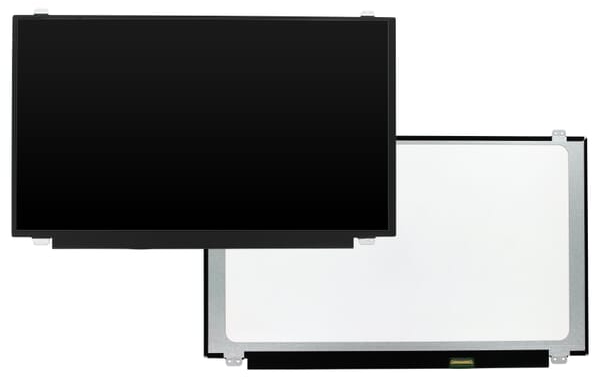
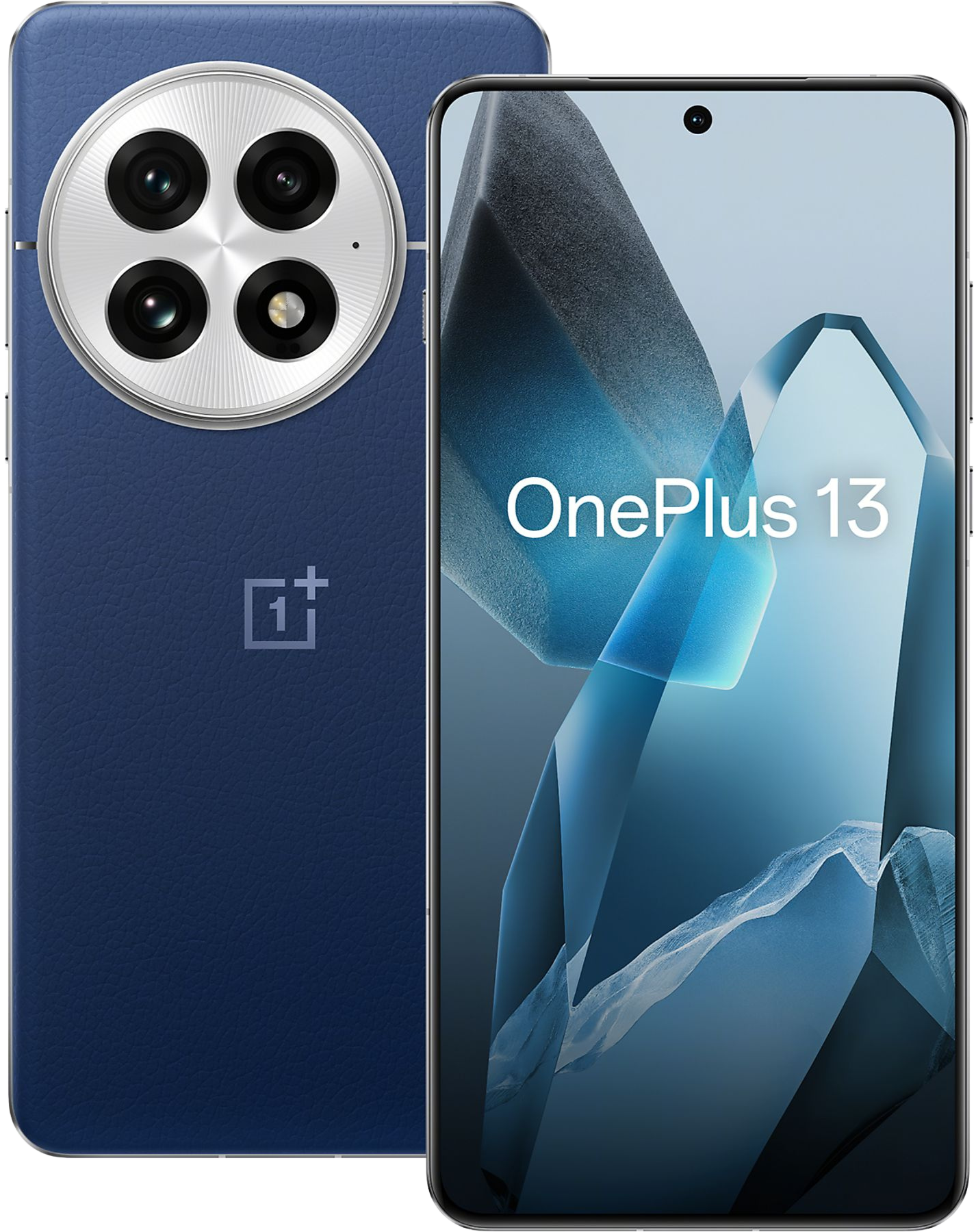
OnePlus 13 (CPH2655/CPH2653/PJZ110) LCD Display + Touchscreen - Black

Cod.Art.
ONEP35330
Colore
Black
Marca
Modello
Modelcode
CPH2655
,
CPH2653
,
PJZ110
Product Type
LCD Display + Touchscreen
Qualità
Sei un cliente aziendale (B2B)?
Sei un riparatore o lavori nel settore delle telecomunicazioni o tecnico?
o egistrarsia dealer account to view our pricing and stock availability.
Sei un cliente privato (B2C)?
Sei un cliente privato (B2C)?
You can buy it directly from our partner via the following link: Acquista

Descrizione
OnePlus 13 (CPH2655/CPH2653/PJZ110) LCD Display including Touchscreen/Digitizer Complete - Black *** IMPORTANT ***
Remove all fingerprints, face recognition, and passwords from the phone.
Reset the phone to factory settings in the phone settings.
Turn off the phone. To boot into recovery, press Power + Volume Down. Then, wipe the cache and reboot.
Open the engineering menu through the dialer: ***#899# Select "AfterSale Devices Calibration." In the popup window, enter: 6776** Press OK. The phone will go through the calibration stages for the screen, colours, etc. Press the Back button, then Pass. Continue to "Fingerprint Dolphin Calibration." Press Start. The calibration will ask you to apply different coloured rubber bands for calibration; I just used my finger. When the calibration is complete, close the engineering menu.
Go to the phone settings. Enter a new password. Add a fingerprint. Everything should be working again.
Prodotti correlati
-

-
-
621029000361 / 621029000689621029000361 / 621029000689White



Prodotti correlati
-
-
-
621029000361 / 621029000689621029000361 / 621029000689White
Prodotti popolari
-
GH82-20229A / GH82-20186AGH82-20229A / GH82-20186ABlack